THE REAL-LIFE BUYING GUIDE
Matter for beginners: build one useful room before a whole smart home
Start with one useful device and understand controllers, compatibility and the limits of the Matter label.

Buying links currently go directly to official brand sites without affiliate tracking. Read our disclosure.
You want a lamp and a button to work together, but the boxes name different apps and connections. Matter aims to improve compatibility between supported devices and systems. Its logo begins the shopping check rather than completing it. Choose one ordinary household problem first, then work backward to controllers, connections, and devices. The first setup should remain understandable to everyone who uses the room.
The quick shortlist
| Your situation | What to look for | The tradeoff |
|---|---|---|
| First experiment | Compatible plug for a lamp Creates a clear practical task with a familiar fallback. | Check lamp behavior, ratings, and connectivity. |
| Existing platform | Device supported by the current controller Keeps expansion within familiar household controls. | Available platform features may differ from the maker app. |
| Thread purchase | Documented controller and border-router plan Clarifies required infrastructure before buying accessories. | Not every speaker or hub has the required capability. |
Know the standard's role
The Connectivity Standards Alliance presents Matter as a common foundation for compatible connected devices. That does not mean every branded feature appears identically in every app. Compare the exact device type and functions supported by your platform. Some extras may remain in the manufacturer's app. Decide which of those functions actually matter before comparing products.
Separate controller and connection
A controller manages compatible devices, while their underlying network connection can vary. Thread-based choices can introduce a border-router requirement. Read both the device and platform instructions. List hardware you already own and check documented capabilities. Do not buy another hub just because a product page uses terminology unfamiliar to you.
Begin with a low-stakes routine
A reading lamp is a more forgiving first experiment than a complex heating or entrance arrangement. Decide who controls it and what manual method remains. Use the setup for several normal days. Check power interruption behavior and operation without the phone nearby. The goal is a useful routine rather than simply reaching the successful pairing screen.
Keep sharing understandable
Review account and household access before inviting others. Multiple compatible platforms can be convenient but also introduce competing schedules and inconsistent device names. Record which app owns important routines. Knowing where a schedule lives is more useful during troubleshooting than adding another automation to counteract unexplained behavior.
Expand for a specific reason
Add devices only when they improve a defined task. Compare conventional alternatives and the full cost of infrastructure and maintenance. Keep setup codes and instructions appropriately. Review manufacturer updates and support information. A small system the household understands provides a stronger foundation than a cupboard full of discounted accessories without useful roles.
Check the exact version before ordering
Product families can contain versions with different connections, included accessories, or regional requirements. Open the official manufacturer's current information and compare the model identifier with the item in your basket. Read the setup and compatibility instructions before paying. A discount is less useful if the missing accessory costs more than expected or the device cannot join the system you already use. Include batteries, mounting parts, hubs, and any ongoing service in the total cost.
Choose a seller with clear return terms, and keep the packaging until you have checked physical fit, setup, and the everyday controls. Use the manufacturer's supported installation method rather than improvising around a missing bracket or an unsuitable power supply. If the setup is more complicated than the job it solves, a simpler conventional product may be the better purchase.
How these recommendations were made
This is a scenario-based buying guide informed by published manufacturer resources. It does not claim hands-on testing, measured performance, or a numerical product ranking. The recommendations explain which product type may fit a household routine and where the tradeoffs arise. Follow the source links to check the current product range and exact requirements; availability and feature support can change. An editorial scene illustrates the setting, rather than proving that a particular model has been tested there.
Compare the official options
Use these manufacturer pages to confirm the exact model, compatibility, return terms and current price. A range may include products with different features; check the individual listing before buying.
Browse Philips Hue connected lighting ↗ Browse Google connected home range ↗Common questions
Does Matter eliminate hubs?
No. Controller and connection requirements depend on devices and the chosen platform.
Will every feature work everywhere?
Not necessarily. Compare device features with current platform support.
What should I automate first?
One repeated, low-stakes task such as a reading lamp. Expand after the household finds it useful.
Sources & further reading
Manufacturer information checked November 5, 2026. Recommendations about fit are editorial judgments; specifications and availability can change.
Photography: Unsplash license. View image source.
Spotted an error? Send a correction.
Keep Exploring

Smart plugs for lamps: a simpler evening routine
Make the evening lamp routine simpler while checking appliance limits, manual controls and shared access.
Read the guide →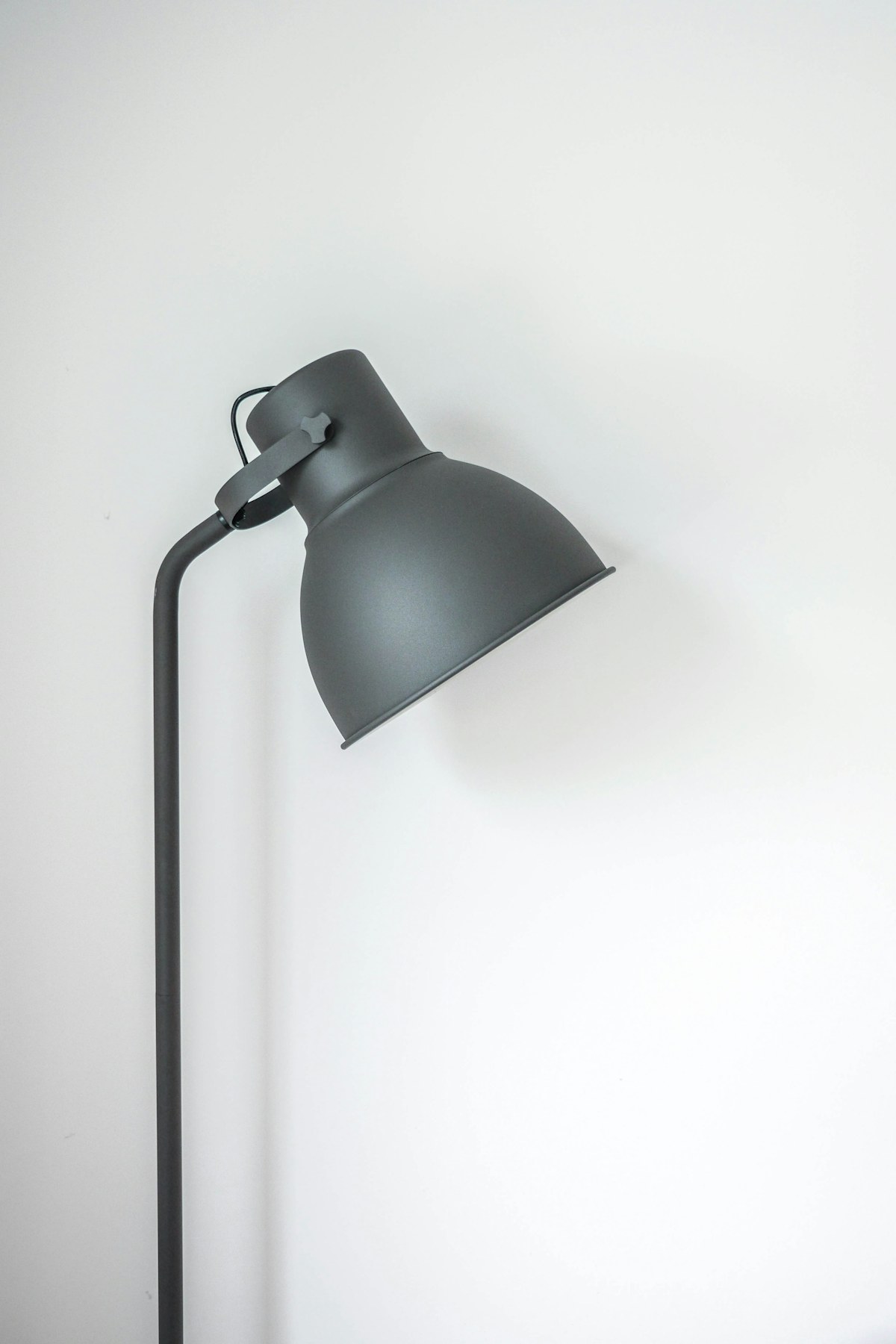
Smart bulbs for renters: upgrade the light, keep the lease simple
Choose useful lighting without replacing fixtures or making everyday switches harder to use.
Read the guide →
Robot vacuums for pet homes: buy for the daily mess
Match floor care to pet hair, clutter and the maintenance you can realistically keep up with.
Read the guide →